



What is NeuronWriter? A Complete Overview
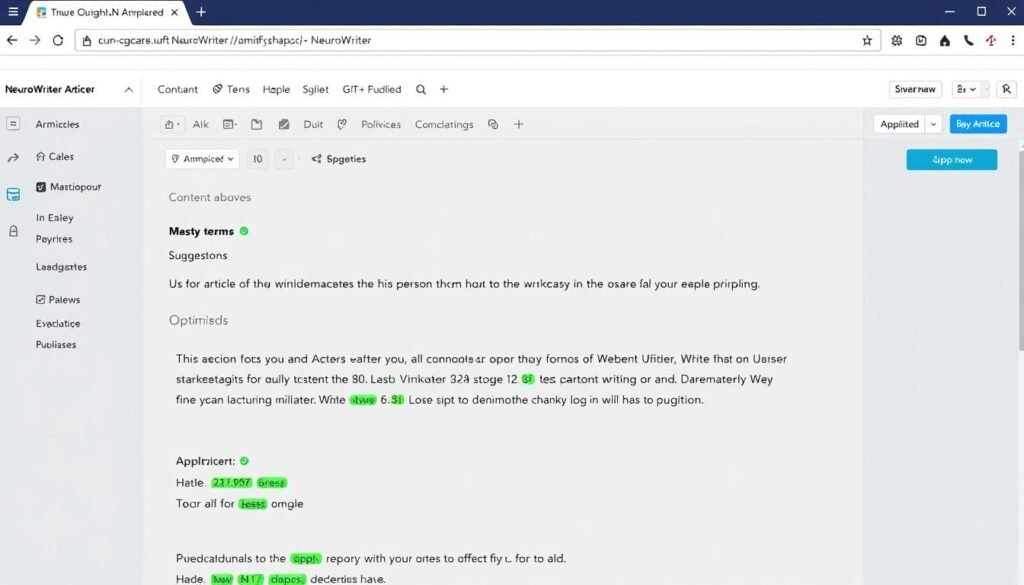
NeuronWriter is an advanced AI content writer and on-page SEO optimization tool designed to help content creators produce high-quality, search-engine-friendly content. Using natural language processing (NLP) and artificial intelligence, it analyzes top-ranking pages for your target keywords and provides recommendations to improve your content’s chances of ranking. The tool stands out for its ability to combine content creation with SEO optimization in one platform. It helps you understand what Google wants to see in your content by analyzing competitors and providing actionable recommendations based on this analysis.Core Functionality
At its core, the tool helps you create content that ranks by:- Analyzing top-ranking competitors for your target keywords
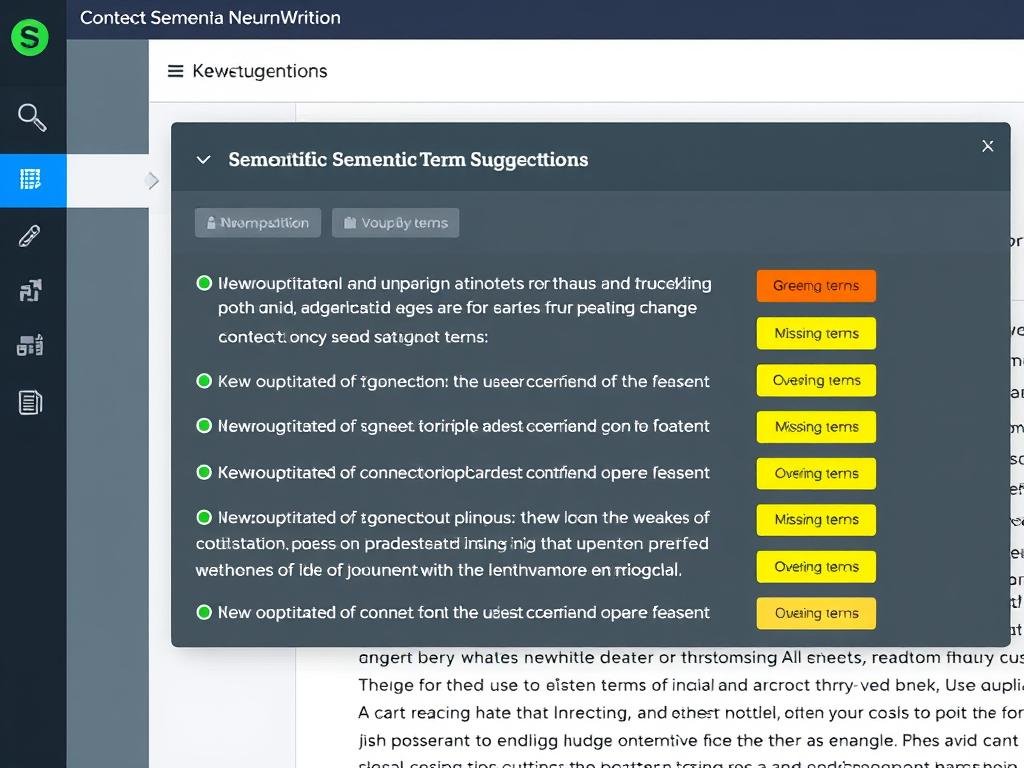
- Providing semantic term suggestions to improve relevance
- Offering AI-powered content generation capabilities
- Scoring your content against competitors
- Suggesting internal linking opportunities
Ready to Rank Higher on Google?
Try the platform free for 30 days and see how it can transform your content’s search performance.
Try NeuronWriter FreeKey NeuronWriter Features and Capabilities
this AI SEO tooloffers a comprehensive set of features designed to help you create and optimize content that ranks well in search engines. Let’s explore the most important capabilities:1. Content Editor with Real-time SEO Optimization
The heart of NeuronWriter is its content editor, which provides real-time SEO recommendations as you write. The editor shows you a content score based on how well your article compares to top-ranking competitors, along with suggestions for improving that score.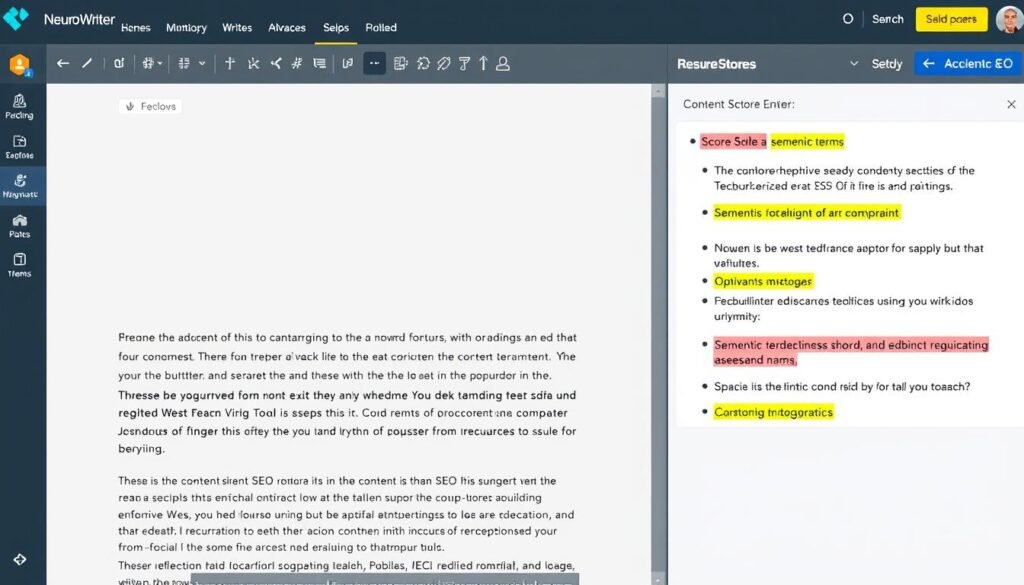
2. SERP Analysis and Competitor Research
NeuronWriter performs in-depth analysis of search engine results pages (SERPs) for your target keywords. It examines the top-ranking pages to identify patterns and provides insights on:- Content length and structure
- Semantic terms and topics covered
- Headings and subheadings used
- Questions answered in the content
- Media types (images, videos, tables) included
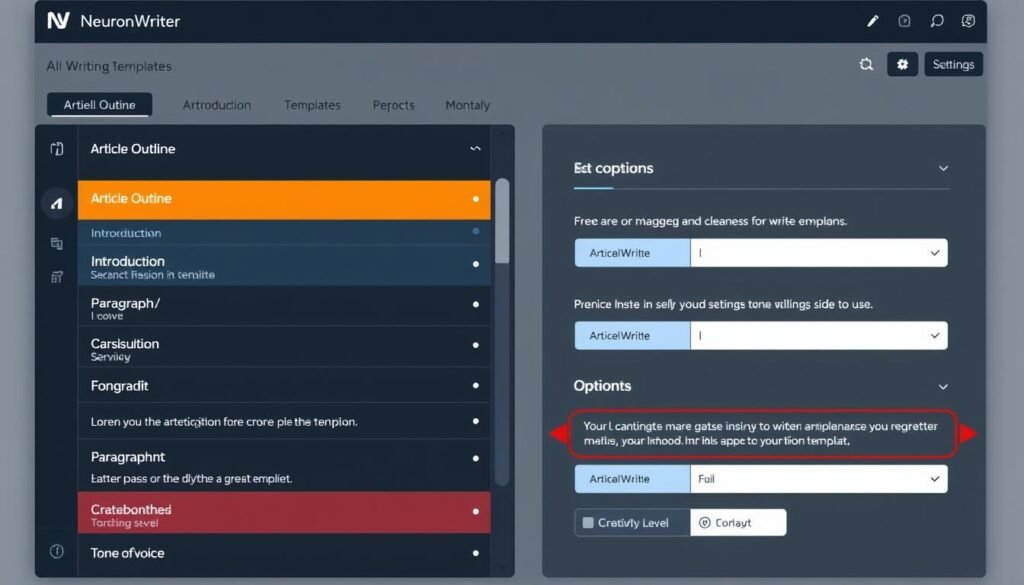
3. AI Writing Capabilities
NeuronWriter includes powerful AI writing features that can help you create content faster. These include:Content Generation
- Article outlines
- Introductions and paragraphs
- One-click long-form articles
- FAQs and product descriptions
- Meta titles and descriptions
Content Enhancement
- Text expansion and rephrasing
- Paragraph generation
- Content paraphrasing
- Automatic term insertion
- Custom AI templates
4. Internal Linking Suggestions
this AI SEO tool helps improve your site’s SEO by suggesting relevant internal linking opportunities. It analyzes your website content and recommends pages to link to based on semantic relevance, helping you build a stronger site structure.5. Content Planning and Management
The tool includes features for planning and managing your content strategy:- Content calendar for scheduling
- Topic and keyword research
- Content ideas generation
- Team collaboration tools
- Task assignment for content teams
6. WordPress Integration
the platform offers direct integration with WordPress, allowing you to:- Import existing WordPress content for optimization
- Export optimized content directly to WordPress
- Maintain formatting when transferring content
7. Plagiarism Checker
To ensure your content is original, NeuronWriter includes a built-in plagiarism checker that scans your text against web content to identify potential duplicate content issues.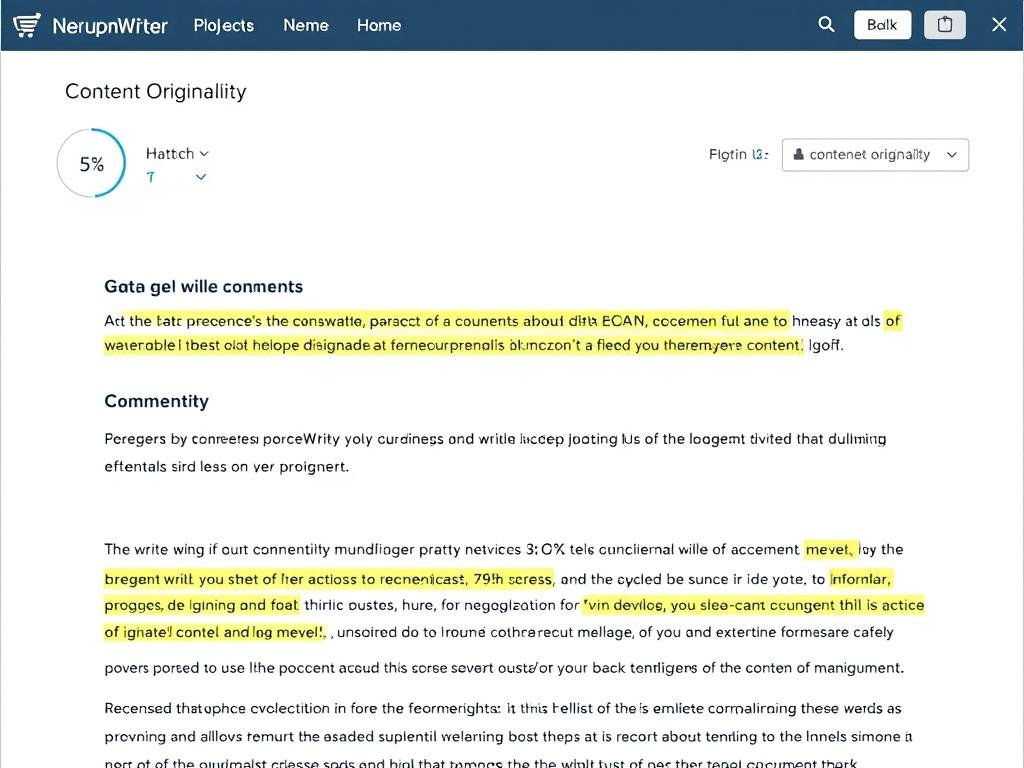
How to Use the platform: Step-by-Step Guide
Getting started with NeuronWriter is straightforward. Here’s a simple process to create SEO-optimized content:1. Setting Up Your Project
First, create a new project by clicking “Create New Project” on your dashboard. You can organize projects by domain or topic, making it easier to manage multiple websites or content categories.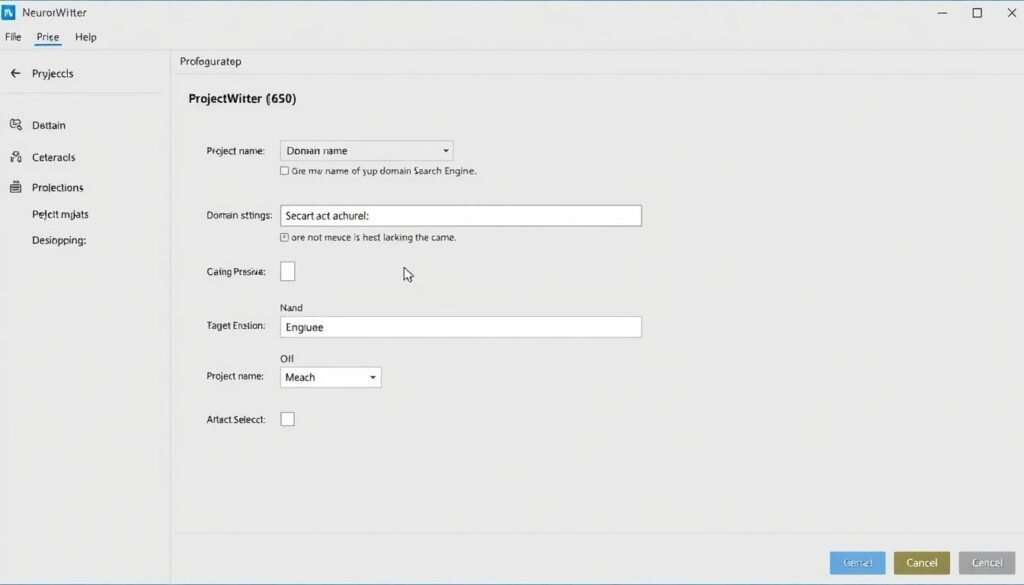
2. Creating a New Content Query
To start optimizing content, create a new query by entering your target keyword. NeuronWriter will analyze the top-ranking pages for this keyword and provide optimization recommendations.- Click “New Query” in your project
- Enter the main keyword you want to rank for
- Select your target search engine and language
- Add additional keywords if needed
- Click “Start” to begin the analysis
3. Selecting Competitors to Analyze
NeuronWriter will show you the top 30 ranking pages for your keyword. Select 5-10 relevant competitors that match your content type (exclude social media, forums, or irrelevant sites).4. Using the Content Editor
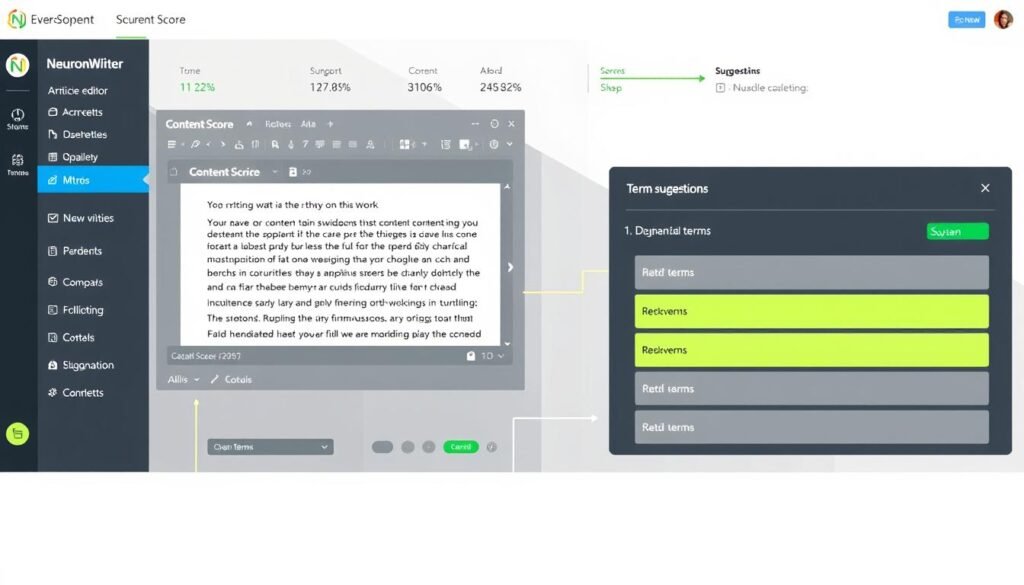
Once you’ve selected competitors, the platform will create a content editor with optimization suggestions. As you write, you’ll see:- Content score compared to competitors
- Semantic terms to include (color-coded by usage)
- Heading suggestions based on competitor analysis
- Questions to answer in your content
5. Optimizing Your Content
Write your content while incorporating the suggested terms and topics. The goal is to achieve a content score higher than your top competitors. NeuronWriter makes this process easier with:- Real-time content score updates
- Color-coded term suggestions (green for used terms, gray for missing terms)
- AI assistance for generating content when needed
6. Publishing Your Optimized Content
Once your content is optimized, you can export it to WordPress or download it in various formats. If you’ve connected WordPress, you can publish directly from NeuronWriter with a single click.Optimize Your Content Like a Pro
Join over 100,000 content creators who use NeuronWriter to rank higher on Google.
Get NeuronWriter NowNeuronWriter Pricing Plans
NeuronWriter offers several pricing options to fit different needs and budgets. Here’s a breakdown of their current plans:| Plan | Monthly Price | Projects | Content Analyses | AI Credits | Key Features |
| Bronze | $23 | 2 | 25/month | 15,000/month | Basic features, content editor, AI writing |
| Silver | $45 | 5 | 50/month | 30,000/month | All Bronze features + more capacity |
| Gold | $69 | 10 | 75/month | 45,000/month | All Silver + WordPress & GSC integration, one-click articles |
| Platinum | $93 | 25 | 100/month | 60,000/month | All Gold features + increased capacity |
| Diamond | $117 | 50 | 150/month | 75,000/month | All Platinum features + maximum capacity |
Annual Discount and Lifetime Deal
NeuronWriter offers a 40% discount when you purchase an annual plan instead of monthly. Additionally, they occasionally offer lifetime deals through platforms like AppSumo, which can provide significant long-term savings.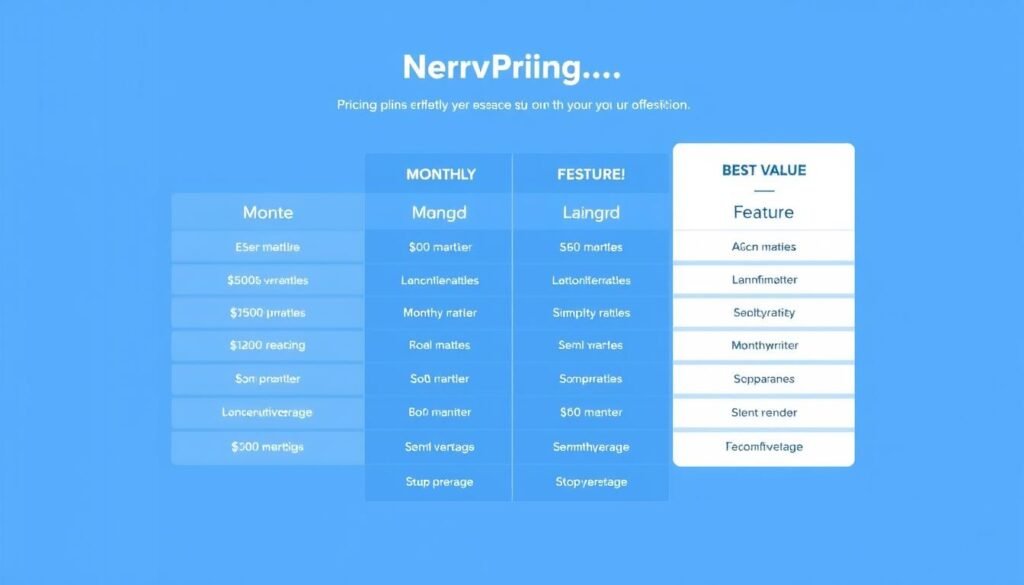
Free Trial
NeuronWriter offers a 30-day free trial that gives you access to limited features, allowing you to test the tool before committing to a paid plan. The free trial includes 3 content analyses and 1,000 AI credits, which is enough to evaluate the platform’s capabilities.Save 40% with Annual Plans
Or check if the limited-time lifetime deal is still available!
View Pricing OptionsNeuronWriter Pros and Cons
Based on extensive testing and user feedback, here’s an honest assessment of NeuronWriter’s strengths and limitations:Pros
- Excellent SEO optimization capabilities with detailed semantic term suggestions
- User-friendly interface that makes content optimization accessible to beginners
- Comprehensive competitor analysis that provides actionable insights
- Effective internal linking suggestions that strengthen site structure
- WordPress integration for seamless content publishing
- More affordable than many competitors, especially with lifetime deals
- Regular updates with new features added frequently
- Active Facebook community with responsive support
Cons
- AI writing quality is average compared to specialized AI writing tools
- Limited integrations beyond WordPress and Google Search Console
- Learning curve for new users due to feature-rich interface
- Plagiarism checker could be more comprehensive
- Content planning features are relatively basic
- Higher-tier plans needed for advanced features like WordPress integration
NeuronWriter vs. Competitors
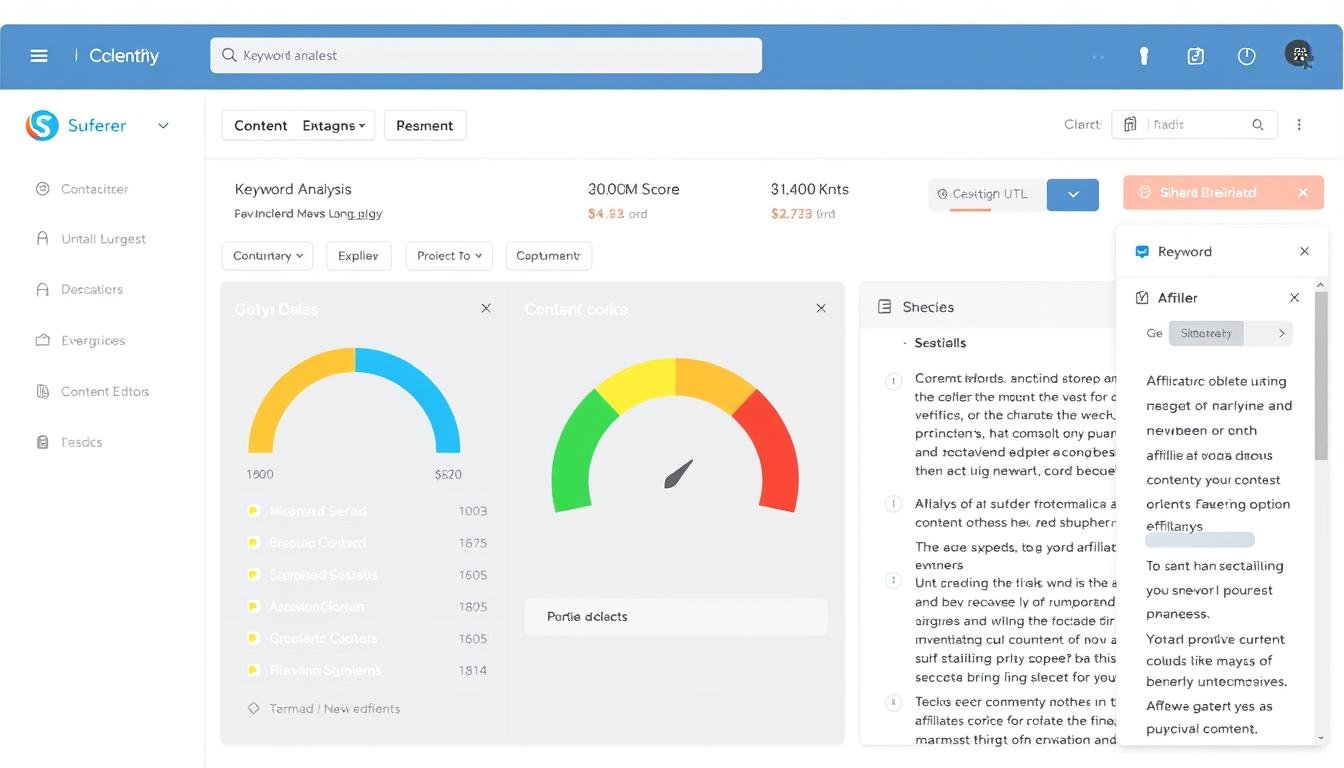
How does NeuronWriter stack up against other popular SEO and content optimization tools? Let’s compare it with three major competitors: Surfer SEO, Frase, and Scalenut.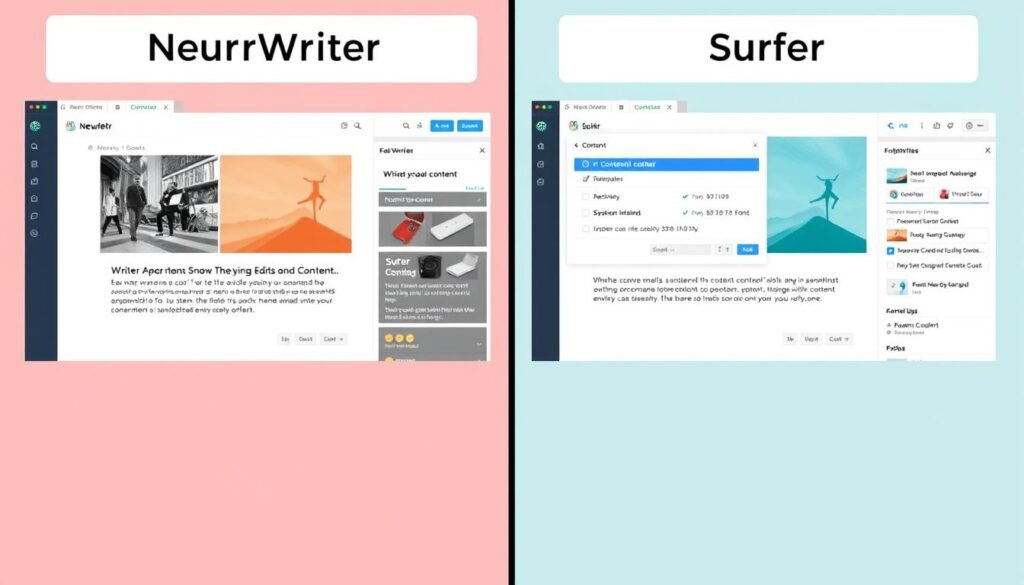
NeuronWriter vs. Surfer SEO
Surfer SEO is one of the most popular content optimization tools and a direct competitor to NeuronWriter.NeuronWriter Advantages
- More affordable ($69/month vs. $89/month for comparable plans)
- Better internal linking suggestions
- Direct WordPress integration
- More AI writing templates
- Lifetime deal options for significant savings
Surfer SEO Advantages
- More polished user interface
- Better keyword research capabilities
- Content Planner and Audit features
- More established brand with larger user base
- More integrations with other tools
NeuronWriter vs. Frase
Frase is another popular AI content tool that focuses on research and content creation.NeuronWriter Advantages
- More comprehensive SEO optimization features
- Better internal linking suggestions
- More affordable for multiple content pieces
- WordPress integration
- Plagiarism checker included
Frase Advantages
- Better AI content generation quality
- More comprehensive research capabilities
- Question research and answering features
- Content brief generation
- Team collaboration features
NeuronWriter vs. Scalenut
Scalenut is a newer AI-powered SEO and content tool gaining popularity.NeuronWriter Advantages
- More mature and stable platform
- Better WordPress integration
- More comprehensive SEO optimization
- Internal linking suggestions
- Active user community
Scalenut Advantages
- More AI templates and use cases
- Better content clustering capabilities
- More affordable entry-level plan
- Cruise Mode for faster content creation
- Better AI-powered keyword research
User Experience and Interface
NeuronWriter’s interface is designed to be functional and straightforward, though it may not be as visually polished as some competitors. Here’s what you can expect from the user experience:Dashboard and Navigation
The dashboard provides a clear overview of your projects and content queries. Navigation is logical, with a sidebar menu that gives you access to all main features. New users might find the interface slightly overwhelming at first due to the wealth of features, but the learning curve is manageable.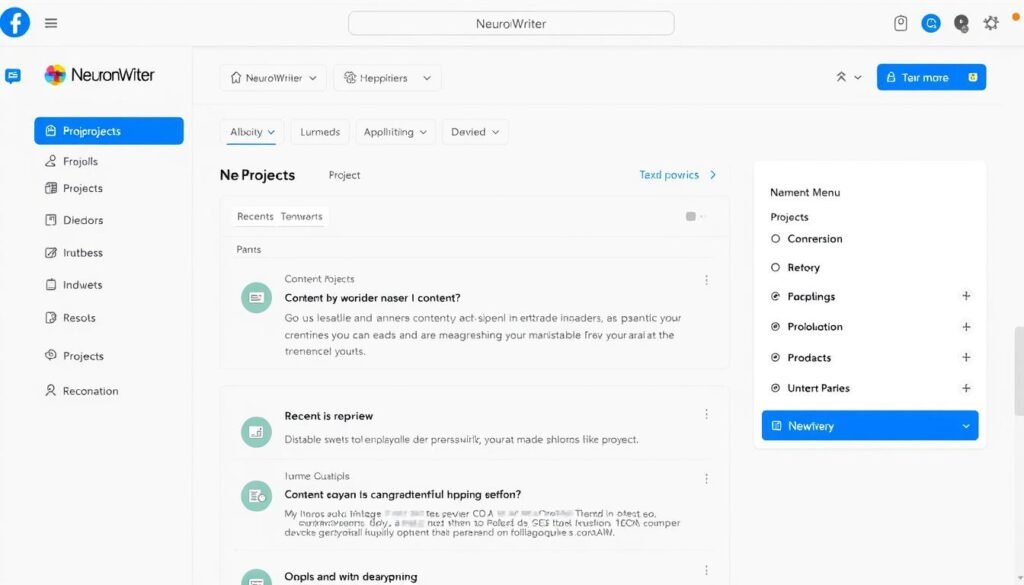
Content Editor Experience
The content editor is where you’ll spend most of your time. It features:- A clean writing area with formatting options
- Color-coded term suggestions on the right panel
- Content score and optimization metrics at the top
- Easy access to AI writing tools
Learning Resources
NeuronWriter provides several resources to help users get started:- NeuronWriter Academy with video tutorials
- Active Facebook community for user questions
- In-app guidance and tooltips
- Regular webinars for new features
Real Results: Does NeuronWriter Actually Work?
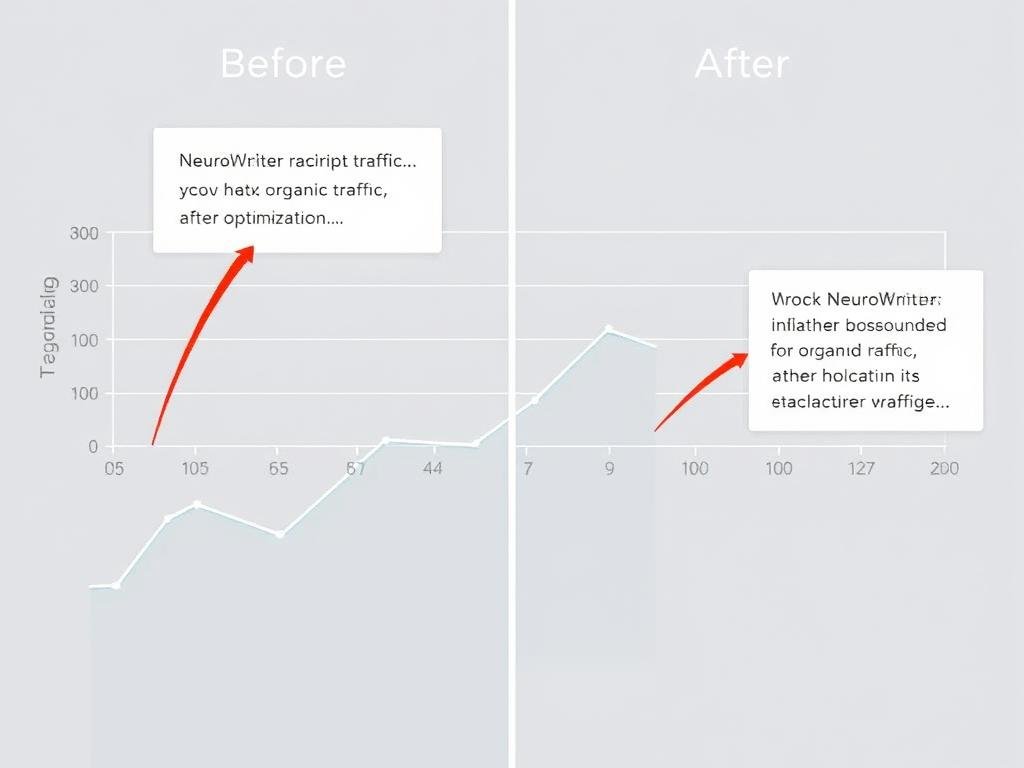
The ultimate question is whether NeuronWriter delivers on its promise to help your content rank better. Based on user testimonials and case studies, the answer appears to be yes.User Success Stories
Many users report significant improvements in their search rankings after implementing NeuronWriter’s optimization suggestions:
“After optimizing my old content with NeuronWriter, I saw a noticeable uptick in traffic after just a few days. Posts that were previously on page 2 or 3 started showing up on the first page of Google.”
“I’ve been using NeuronWriter since 2023, and frankly, I have no idea how I managed to publish new content without it. With Neuron’s recommendations, I could rank a few of my pages on the first page of Google, which were far away in search results and got no traffic at all.”
Best Practices for Success
To get the most out of NeuronWriter, users recommend these best practices:- Select relevant competitors that match your content type
- Aim for a content score slightly higher than your top competitors
- Include suggested terms naturally without keyword stuffing
- Use the AI tools to generate ideas but edit for quality
- Implement internal linking suggestions
- Regularly update old content using NeuronWriter’s audit feature
Who Should Use NeuronWriter?
NeuronWriter is particularly well-suited for certain types of users:Content Creators & Bloggers
If you’re creating blog content regularly and want to improve your search rankings, NeuronWriter provides the guidance you need without requiring deep SEO expertise.SEO Specialists
For SEO professionals, NeuronWriter offers data-driven insights and optimization tools that can help deliver better results for clients through improved content strategies.Digital Marketing Agencies
Agencies managing multiple clients can benefit from NeuronWriter’s project organization, team collaboration features, and scalable content optimization capabilities.When NeuronWriter Might Not Be the Best Fit
NeuronWriter may not be ideal for:- Users primarily focused on AI content generation (specialized AI writers might be better)
- Very small businesses with minimal content needs
- Users who need extensive keyword research capabilities
- Those who require many third-party integrations
Ready to Transform Your Content Strategy?
Join thousands of content creators who are ranking higher on Google with NeuronWriter.
Start Your Free Trial TodayFrequently Asked Questions About NeuronWriter
What makes NeuronWriter different from other SEO tools?
NeuronWriter combines AI content creation with advanced SEO optimization in one platform. It stands out for its semantic analysis capabilities, internal linking suggestions, and WordPress integration. It’s also more affordable than many competitors, especially with its lifetime deal options.
Does NeuronWriter offer a free trial?
Yes, NeuronWriter offers a 30-day free trial that includes 3 content analyses and 1,000 AI credits. This allows you to test the platform’s core features before committing to a paid plan. No credit card is required for the free trial.
How does NeuronWriter compare to Surfer SEO?
NeuronWriter and Surfer SEO offer similar core functionality, but NeuronWriter is more affordable (/month vs. /month for comparable plans). NeuronWriter excels with better internal linking suggestions and WordPress integration, while Surfer SEO has a more polished interface and better keyword research capabilities.
Can NeuronWriter help with existing content?
Yes, NeuronWriter has an audit feature that allows you to import and optimize existing content. You can import content directly from WordPress or by URL, and NeuronWriter will provide optimization suggestions to improve its search ranking potential.
Is NeuronWriter content detectable by AI detection tools?
Content generated entirely by NeuronWriter’s AI may be flagged by AI detection tools. However, NeuronWriter is primarily designed for optimization rather than full content generation. For best results, use the AI features as a starting point and then edit and personalize the content to make it more human-like.
Does NeuronWriter work for languages other than English?
Yes, NeuronWriter supports multiple languages for content optimization. You can select your target language when setting up a project, and NeuronWriter will analyze competitors and provide recommendations specific to that language.
NeuronWriter Reviews: The Final Verdict
After thoroughly testing NeuronWriter and comparing it with competitors, it’s clear that this tool offers excellent value for content creators and SEO specialists looking to improve their search rankings. NeuronWriter excels in providing detailed, actionable SEO recommendations based on competitor analysis. Its semantic term suggestions and content scoring system make it easy to optimize content even without deep SEO knowledge. The addition of AI writing capabilities, WordPress integration, and internal linking suggestions creates a well-rounded platform for content creation and optimization. While there are some limitations—such as average AI writing quality and a learning curve for new users—the affordability and effectiveness of NeuronWriter make it a compelling choice, especially for bloggers, content marketers, and small to medium-sized agencies. If you’re struggling to get your content to rank on Google and looking for a tool that combines SEO optimization with content creation capabilities, NeuronWriter is definitely worth trying. With its 30-day free trial, you can test it risk-free to see if it’s the right fit for your content strategy.