



In today’s digital marketplace, mobile shopping has become the dominant force in e-commerce. With over 60% of online purchases now happening on smartphones, optimizing your mobile shopping experience isn’t just a nice-to-have—it’s essential for business growth. Companies that excel at mobile optimization see up to 30% higher conversion rates than their competitors. This comprehensive guide will walk you through actionable strategies to transform your mobile shopping experience and dramatically boost your sales.
Common Mobile Shopping Pain Points Killing Your Sales
Before diving into solutions, let’s identify the critical friction points that drive mobile shoppers away. Understanding these pain points is the first step toward creating a seamless mobile experience that converts browsers into buyers.
Speed and Performance Issues
Mobile shoppers are notoriously impatient. Research shows that 53% of mobile visitors abandon sites that take longer than 3 seconds to load. In 2025, the benchmark page load time is less than 1 second. Every 100ms delay in load time can reduce conversion rates by up to 7%.
Complex Navigation and Search
When shoppers can’t easily find what they’re looking for, they leave. Confusing menus, hidden search functions, and complicated filtering options create unnecessary obstacles in the customer journey, leading to frustration and abandonment.
Complicated Checkout Process
Cart abandonment rates on mobile devices hover around 85%, significantly higher than desktop. The primary culprit? Multi-step checkout processes that require excessive typing, lack mobile payment options, and don’t save customer information for future purchases.
Poor Product Visualization
On smaller screens, customers need better ways to examine products. Limited product images, lack of zoom functionality, and absence of video demonstrations make shoppers hesitant to purchase items they can’t properly see.
Identify Your Mobile Experience Gaps
Not sure where your mobile experience is falling short? Our comprehensive checklist helps you identify critical improvement areas specific to your store.
Download Mobile Optimization ChecklistMobile-First Design: The Foundation of Better Conversions
Mobile-first design isn’t just about making your website responsive—it’s about prioritizing the mobile experience from the ground up. This approach ensures that your most important content and functions are optimized for the constraints and opportunities of mobile devices.
Thumb-Friendly Navigation
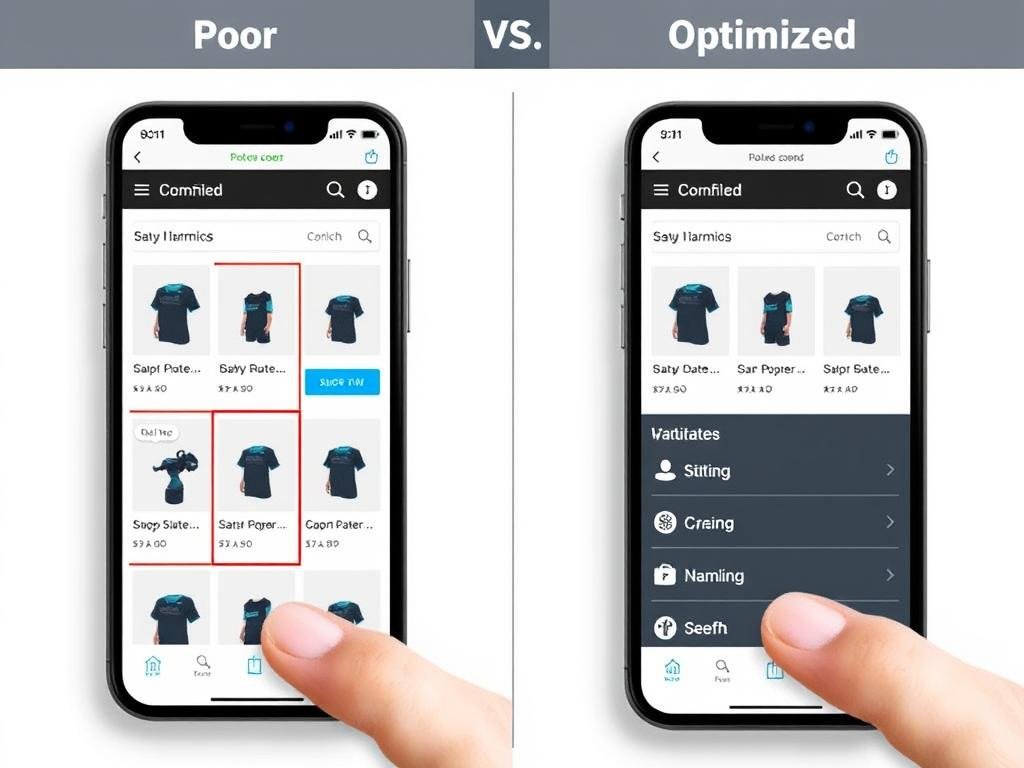
Design your mobile interface with thumb zones in mind. Place critical actions like “Add to Cart” and “Checkout” buttons within easy reach of the thumb (typically the bottom half of the screen). Keep navigation elements at least 44×44 pixels to prevent frustrating mis-taps.
Minimalist UI Design
On mobile, every pixel counts. Limit each screen to one primary action to drive conversion. Use purposeful white space to create visual breathing room and establish a clear visual hierarchy with size, color, and positioning. Remove decorative elements that don’t serve functional purposes.
Device-Adaptive Layouts
Start with content prioritization for the smallest screen, then progressively enhance for larger screens. Let content determine breakpoints instead of squeezing content into arbitrary dimensions. As screens grow, add value rather than just stretching the interface.
Page Speed Optimization: The Critical Success Factor
Mobile page speed is directly correlated with conversion rates. Every millisecond matters when it comes to keeping mobile shoppers engaged and moving toward purchase. Implementing these technical optimizations can dramatically improve your mobile performance.
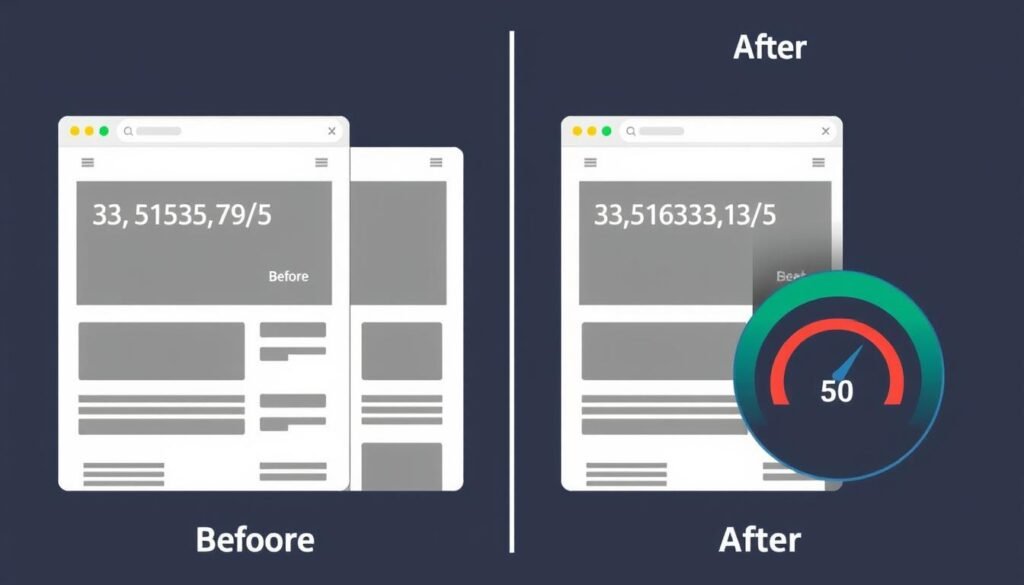
“We reduced our mobile page load time from 4.2 seconds to 0.8 seconds and saw a 27% increase in conversion rate within the first month.”
Accelerate Your Mobile Experience
Our Mobile Speed Optimization Toolkit includes step-by-step instructions, recommended tools, and performance benchmarks to help you achieve lightning-fast load times.
Access Speed Optimization ToolkitSimplified Checkout: Turning Browsers Into Buyers
The checkout process is where most mobile sales are lost. A streamlined, frictionless checkout experience can dramatically reduce cart abandonment and increase conversion rates. Focus on these key strategies to optimize your mobile checkout flow.
One-Click Purchasing
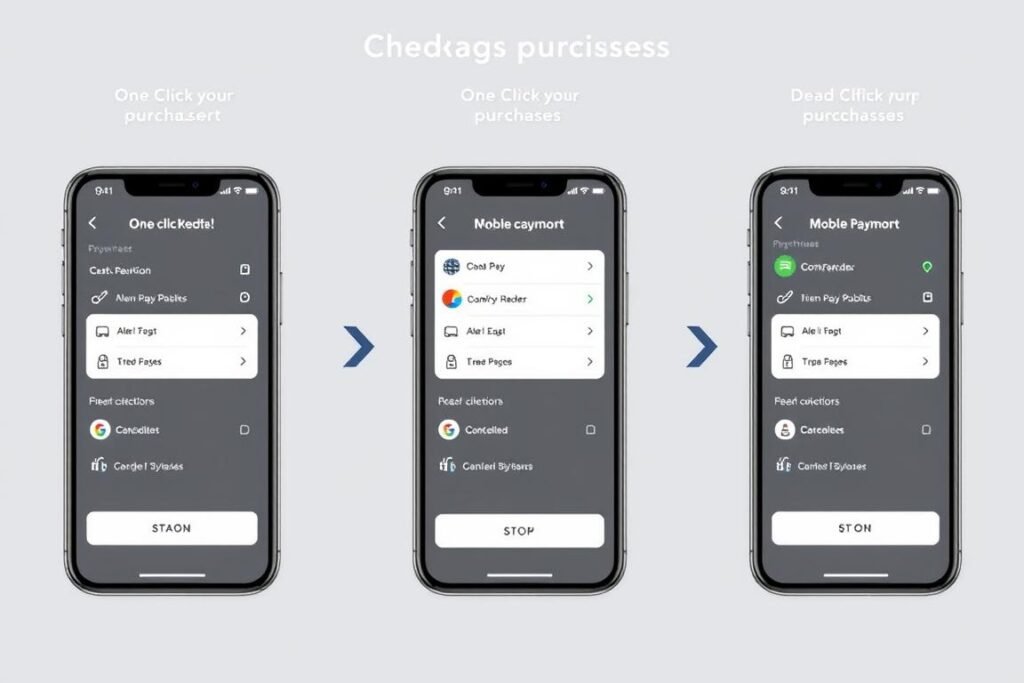
Implement one-click ordering for returning customers. Store payment and shipping information securely to enable rapid purchases without repetitive form filling. This approach can reduce checkout time by up to 80% and significantly boost conversion rates.
Guest Checkout Option
Always offer guest checkout as the default option. Forcing account creation before purchase can increase cart abandonment by up to 35%. Instead, provide the option to create an account after the purchase is complete.
Progress Indicators
Show clear progress steps throughout the checkout process (e.g., “Shipping → Payment → Review → Confirmation”). This reduces uncertainty and anxiety, making customers more likely to complete their purchase.
Form Field Optimization
Minimize form fields to only what’s absolutely necessary. Use appropriate keyboard types for different inputs (numeric for phone numbers, email keyboard for email addresses). Implement real-time validation to catch errors as users type.
Optimize Your Mobile Checkout
Our detailed guide covers everything from form design to payment integration, with templates and examples you can implement today.
Get Checkout Optimization GuideMobile Payment Integration: Meeting Customer Expectations
Today’s mobile shoppers expect seamless payment options that align with their preferences. Offering a variety of mobile-friendly payment methods can significantly increase conversion rates and customer satisfaction.
Digital Wallets
Integrate popular digital wallet options like Apple Pay, Google Pay, and Samsung Pay. These solutions allow for one-tap checkout without manual card entry, reducing friction and increasing conversion rates by up to 25%.
Buy Now, Pay Later
Implement BNPL options like Klarna, Afterpay, or Affirm. These services can increase average order value by 30-50% and appeal particularly to younger shoppers who prefer installment payments over traditional credit.
Stored Payment Methods
Allow customers to securely save payment information for future purchases. This creates a frictionless repeat buying experience and encourages customer loyalty and higher lifetime value.
Security Tip: Always display security badges and payment protection information prominently during checkout. This builds trust and reduces abandonment due to security concerns.
Personalization and Recommendation Engines
Mobile shoppers expect personalized experiences that make product discovery easier and more relevant. Implementing smart recommendation engines can significantly increase average order value and conversion rates.

“After implementing our AI-powered recommendation engine, we saw a 23% increase in average order value and a 15% improvement in conversion rate within just 60 days.”
Strategic Push Notification Strategies
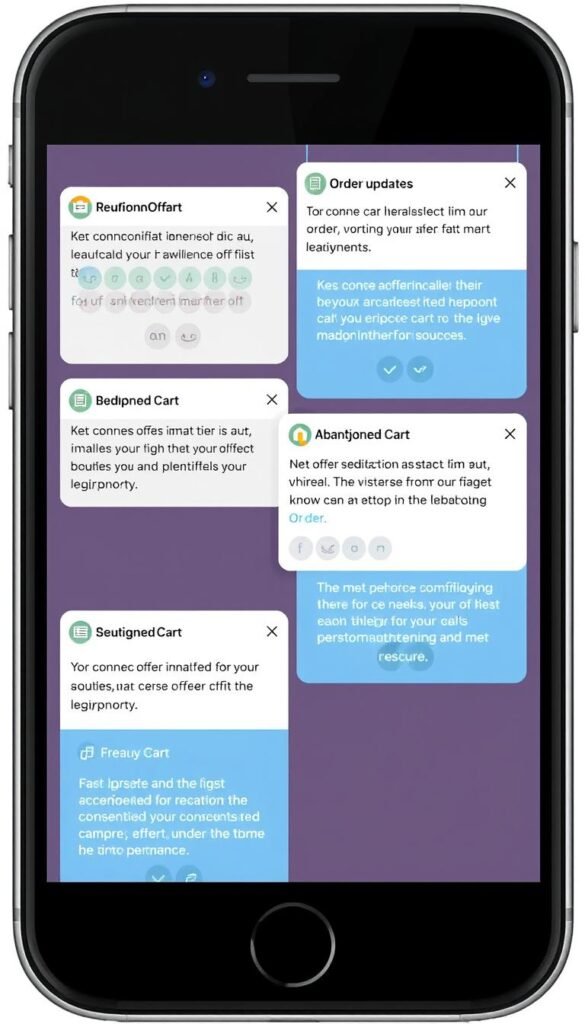
Push notifications can be powerful tools for engaging mobile shoppers and driving sales—when used correctly. The key is delivering personalized, timely, and valuable messages that enhance the shopping experience rather than interrupt it.
Effective Push Strategies
- Abandoned cart reminders with incentives
- Price drop alerts for wishlisted items
- Order status updates and shipping notifications
- Personalized offers based on browsing history
- Limited-time flash sales for loyal customers
Push Notification Pitfalls
- Generic, non-personalized messages
- Excessive frequency leading to notification fatigue
- Poor timing (late night or early morning)
- Irrelevant content not matching user interests
- Misleading or clickbait messaging
Best Practice: Always segment your audience and personalize push notifications based on user behavior, preferences, and purchase history. Generic notifications increase uninstall rates by up to 60%.
Augmented Reality and Visual Search: The Future of Mobile Shopping
Advanced technologies like augmented reality (AR) and visual search are transforming how customers shop on mobile devices. These innovations help bridge the gap between online and in-store experiences, allowing shoppers to better visualize products before purchasing.

Augmented Reality Implementation
AR technology allows customers to visualize products in their own environment before purchasing. Furniture retailers like IKEA and Wayfair have seen conversion rates increase by up to 40% after implementing AR features. Beauty brands like Sephora use AR for virtual try-on experiences, reducing return rates by 25%.
Start with AR-enabled product pages for your best-selling items, focusing on products where size, fit, or appearance are critical to the purchase decision.
Visual Search Capabilities
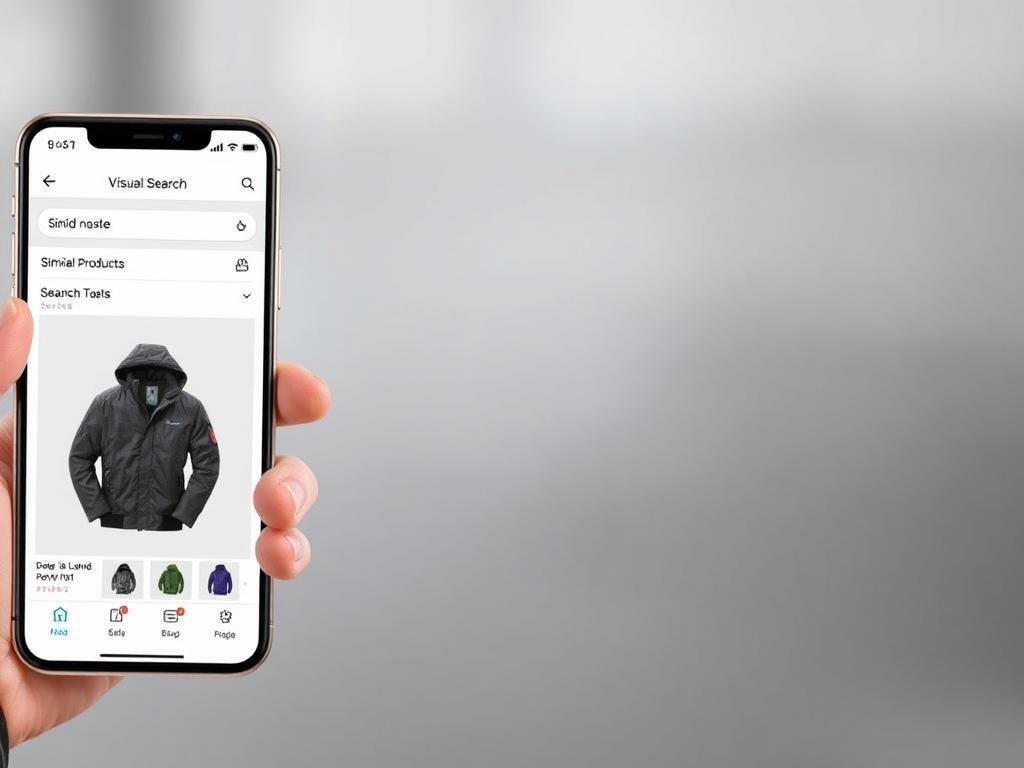
Visual search allows customers to upload images and find similar products in your inventory. This technology is particularly effective for fashion, home decor, and design-focused products. Retailers implementing visual search have seen a 30% increase in conversion rates among users who utilize this feature.
Implement visual search alongside traditional text search to give customers multiple ways to discover products that match their preferences.
Success Stories: Real-World Mobile Optimization Results
These case studies demonstrate how e-commerce businesses have successfully implemented mobile optimization strategies to achieve significant sales growth.
Fashion Retailer Boosts Sales by 34%
A mid-sized fashion retailer implemented a comprehensive mobile optimization strategy, including one-click checkout, AR try-on features, and personalized recommendations. Within three months, they saw:
- 34% increase in mobile conversion rate
- 27% reduction in cart abandonment
- 42% increase in average order value
- 19% improvement in customer retention
The most impactful change was simplifying their checkout process from five steps to two, which alone accounted for a 15% conversion improvement.
Home Goods Store Reduces Abandonment by 40%
A home goods retailer focused on improving mobile page speed and implementing AR visualization tools. Their results after six months:
- 40% reduction in cart abandonment
- 29% increase in mobile sales
- 65% increase in time spent on product pages
- 22% decrease in return rates
By reducing page load time from 4.2 seconds to 0.9 seconds and adding AR visualization for furniture, they significantly improved customer confidence in making purchases.
Electronics Store Increases AOV by 38%
An electronics retailer implemented AI-powered product recommendations and simplified their mobile navigation. Their six-month results:
- 38% increase in average order value
- 31% improvement in mobile conversion rate
- 45% increase in pages viewed per session
- 26% growth in repeat customer rate
Their personalized recommendation engine was particularly effective, with 35% of customers adding recommended items to their carts.
Key Metrics to Track Mobile Shopping Performance
To effectively improve your mobile shopping experience, you need to track the right metrics. These key performance indicators will help you identify problem areas and measure the impact of your optimization efforts.
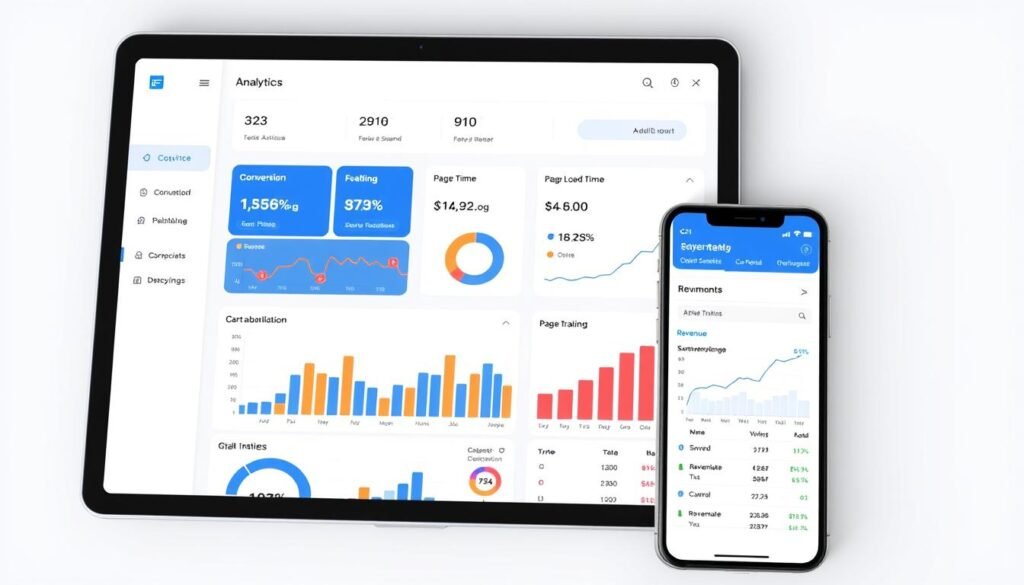
| Metric | Description | Benchmark | Improvement Goal |
| Mobile Conversion Rate | Percentage of mobile visitors who complete a purchase | 1.5-3% | Increase by 30% |
| Mobile Cart Abandonment Rate | Percentage of shoppers who add items to cart but don’t complete purchase | 85% | Reduce to 65% or lower |
| Mobile Page Load Time | Time it takes for pages to fully load on mobile devices | 3 seconds | Under 1 second |
| Mobile Bounce Rate | Percentage of visitors who leave after viewing only one page | 60% | Reduce to 40% or lower |
| Average Order Value (Mobile) | Average dollar amount spent per transaction on mobile | Varies by industry | Increase by 20% |
| Mobile Add-to-Cart Rate | Percentage of visitors who add items to their cart | 10% | Increase to 15% or higher |
Pro Tip: Set up separate tracking for mobile and desktop visitors in your analytics platform to accurately measure the impact of mobile-specific optimizations.
90-Day Implementation Roadmap
Follow this strategic roadmap to systematically improve your mobile shopping experience over the next 90 days. This phased approach ensures you tackle the highest-impact improvements first while building toward comprehensive optimization.
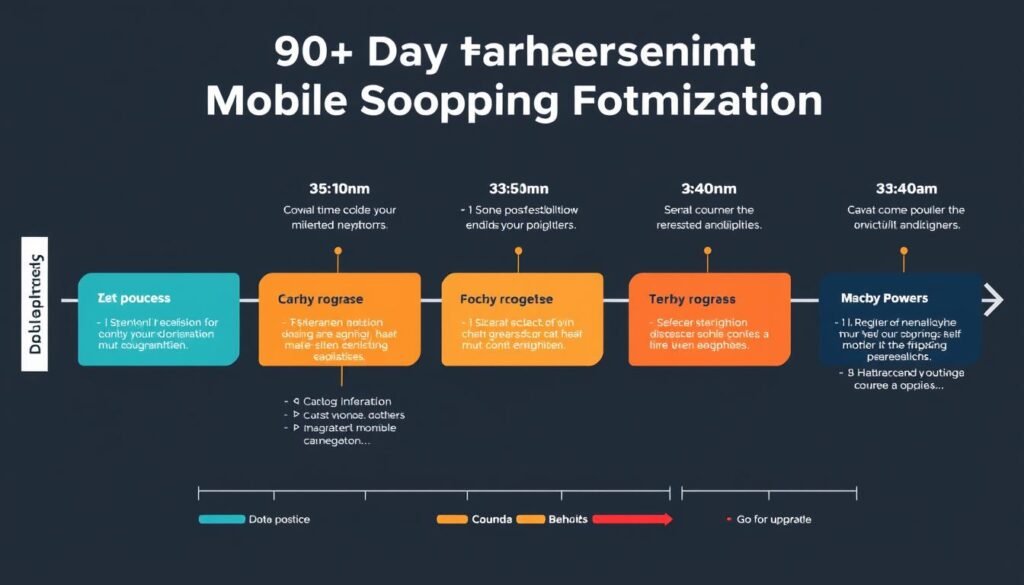
Days 1-30: Foundation and Quick Wins
- Conduct a comprehensive mobile UX audit
- Implement basic page speed optimizations (image compression, browser caching)
- Add guest checkout option if not already available
- Optimize product images for mobile viewing
- Fix critical mobile usability issues identified in audit
Days 31-60: Enhanced User Experience
- Redesign checkout flow to reduce steps and friction
- Implement mobile payment options (Apple Pay, Google Pay)
- Add recently viewed items functionality
- Optimize mobile search and filtering capabilities
- Implement basic product recommendation engine
Days 61-90: Advanced Optimization
- Implement personalization based on user behavior
- Add strategic push notifications for cart abandonment
- Consider AR implementation for key product categories
- Optimize for mobile SEO to increase organic traffic
- Implement A/B testing program for continuous improvement
“The most successful mobile optimization projects are those that combine data-driven decisions with a relentless focus on removing friction from the customer journey.”
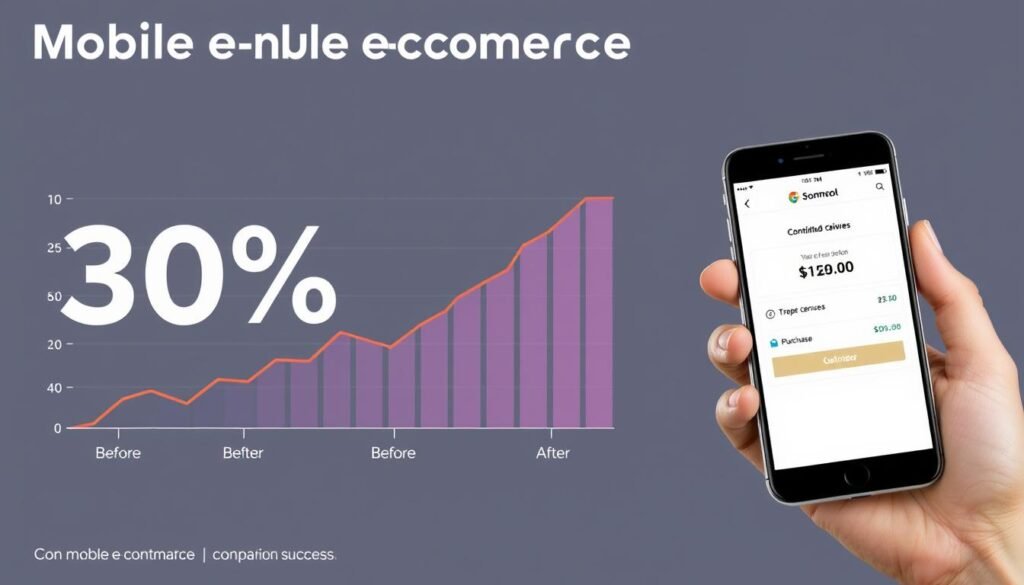
Conclusion: The Path to 30% Sales Growth
Improving your mobile shopping experience isn’t just about keeping up with trends—it’s about creating a competitive advantage that directly impacts your bottom line. By implementing the strategies outlined in this guide, you can expect to see significant improvements in conversion rates, average order value, and customer retention.
Remember that mobile optimization is an ongoing process, not a one-time project. The most successful e-commerce businesses continuously test, learn, and refine their mobile experience based on user behavior and emerging technologies.
As mobile continues to dominate the e-commerce landscape, the businesses that prioritize exceptional mobile experiences will be the ones that thrive. Start your optimization journey today, and you’ll be well on your way to achieving that 30% sales increase.
Ready to Transform Your Mobile Shopping Experience?
Our team of mobile optimization experts can help you identify your biggest opportunities for improvement and create a customized roadmap to increase your mobile sales by 30% or more.
Get Your Free Mobile Experience AuditFrequently Asked Questions
How long does it typically take to see results from mobile optimization efforts?
Most businesses begin seeing measurable improvements within 30 days of implementing initial optimizations. Quick wins like page speed improvements and checkout simplification typically show results fastest. More comprehensive changes like personalization engines may take 60-90 days to show their full impact. The key is to implement changes systematically and measure results consistently.
What’s the typical return on investment for mobile optimization projects?
Well-executed mobile optimization projects typically deliver ROI between 5x and 15x, depending on your starting point and implementation quality. For example, a business investing ,000 in mobile optimization might expect 0,000-0,000 in additional annual revenue. The highest ROI usually comes from checkout optimization and page speed improvements.
Do I need to rebuild my entire website to improve mobile performance?
Not necessarily. While some businesses benefit from a complete rebuild with a mobile-first approach, many can achieve significant improvements by optimizing their existing site. Start with an audit to identify your biggest opportunities, then prioritize changes that will deliver the highest impact for your specific situation.
How important is page speed compared to other mobile optimization factors?
Page speed is foundational to mobile success. If your pages load slowly, other optimizations won’t matter because users will abandon your site before experiencing them. Research shows that improving page speed from 4 seconds to 1 second can increase conversion rates by up to 27%. After achieving good page speed, focus on checkout optimization and user experience improvements.