


Choosing the right business phone system can significantly impact your company’s communication efficiency and customer experience. CallHippo, a cloud-based VoIP provider founded in 2016, offers virtual phone numbers from over 50 countries with features designed for businesses of all sizes. In this comprehensive CallHippo review, we’ll analyze its core features, pricing structure, user experience, and how it compares to alternatives to help you determine if it’s the right solution for your business needs.
CallHippo Overview: What Is It?
CallHippo is a virtual phone system that allows businesses to set up a complete call center in minutes without requiring physical phone infrastructure. With its cloud-based architecture, companies can purchase local and toll-free numbers from over 50 countries, make calls to more than 190 countries, and manage their entire phone system through a user-friendly web interface or mobile app.
The platform is particularly well-suited for sales teams, customer support departments, and businesses with international clients. Its ability to provide local presence in multiple countries helps companies establish credibility in foreign markets without the need for physical offices.
Try CallHippo’s Features For Yourself
Experience how CallHippo can transform your business communications with a risk-free trial.
Key Features of CallHippo
Global Virtual Numbers
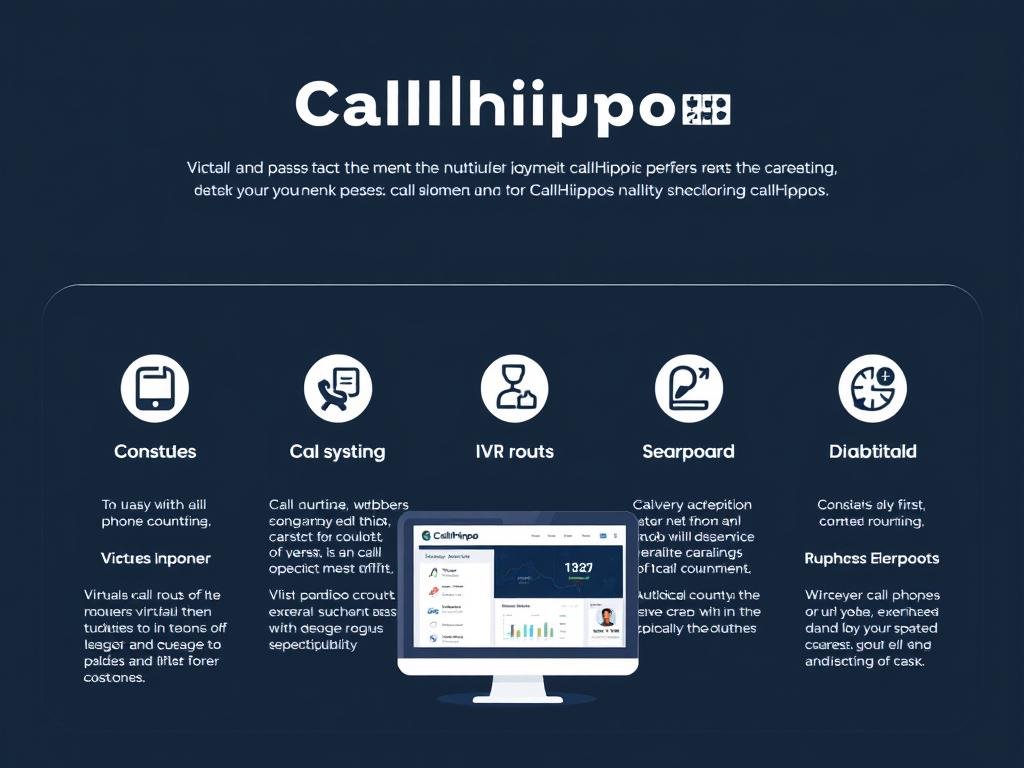
Purchase local and toll-free numbers from 50+ countries to establish local presence in international markets. Numbers are activated instantly, allowing you to start making and receiving calls immediately.
Call Management
Route calls to teams or individuals based on availability, time zones, or skill sets. Features include call forwarding, call transfer, call recording, voicemail to email, and custom greetings.
Multi-Level IVR
Create sophisticated interactive voice response systems to guide callers to the right department or information without agent intervention. Customize welcome messages and menu options.
Call Analytics
Monitor team performance with detailed call reports, including call duration, missed calls, and agent productivity metrics. Get real-time insights into your call center operations.
CRM Integrations
Connect CallHippo with over 100 third-party applications including Salesforce, Zoho, HubSpot, and Zendesk to streamline workflow and enhance customer data management.
Mobile Applications
Make and receive business calls from anywhere using iOS and Android mobile apps. Keep your personal number private while maintaining business communication on the go.
CallHippo Pricing Plans
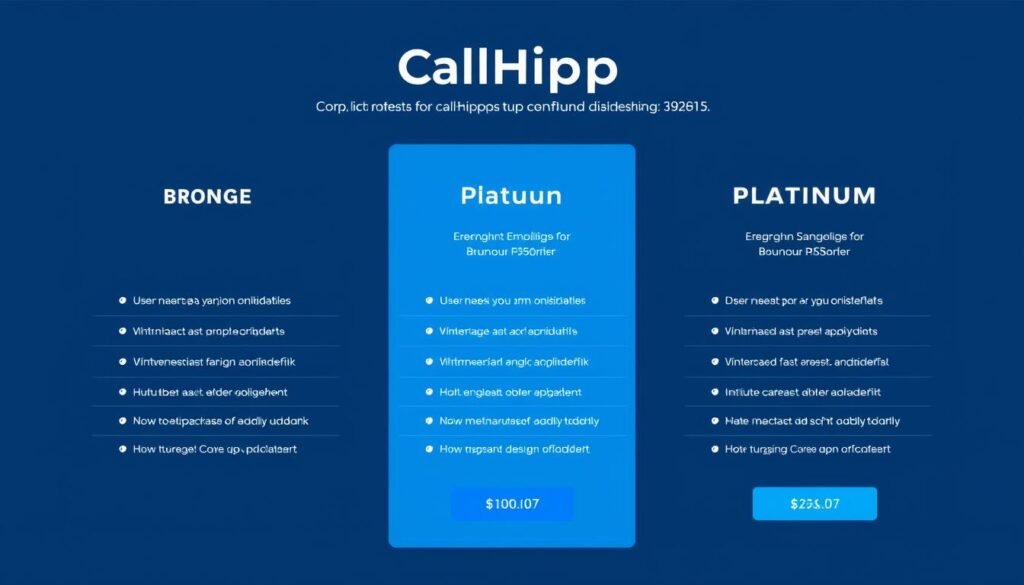
CallHippo offers several pricing tiers to accommodate businesses of different sizes and needs. All plans are available with monthly or annual billing, with annual subscriptions offering up to 20% savings.
| Plan | Monthly Price (per user) | Annual Price (per user) | Key Features |
| Basic (Free) | $0 (up to 2 users) | $0 | Softphone, Welcome Message, Call Hold, Call Transfer, IVR, 3-Month Data Records |
| Bronze | $22 | $16 | Everything in Basic + Call Recording, Call-Hold Music, Country Blocking |
| Silver | $28 | $20 | Everything in Bronze + Free Number, Free Incoming Calls, Call Queues, Time Conditions |
| Platinum | $35 | $30 | Everything in Silver + Power Dialer, Call Barging, 3-Way Calling, Dedicated Account Manager |
Important: While pricing appears straightforward, be aware that additional costs may apply for outgoing calls (starting at 1¢/min for US calls), additional phone numbers ($6-$8/month per number), and SMS messages. The “unlimited” inbound calling on Silver and Platinum plans is subject to fair usage policies.
Find The Right Plan For Your Business
Compare features and select the plan that best fits your communication needs.
User Experience and Interface
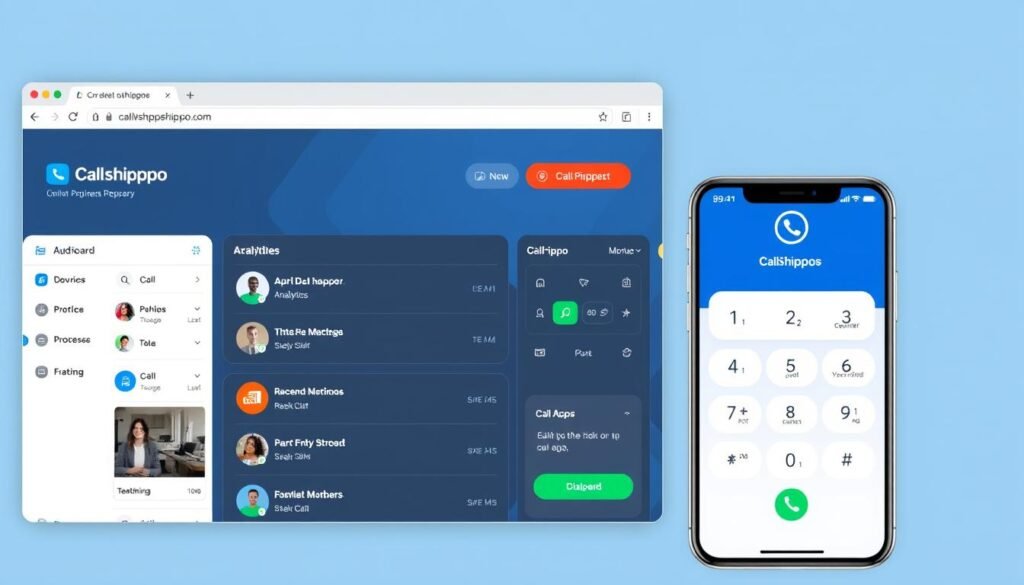
Web Dashboard
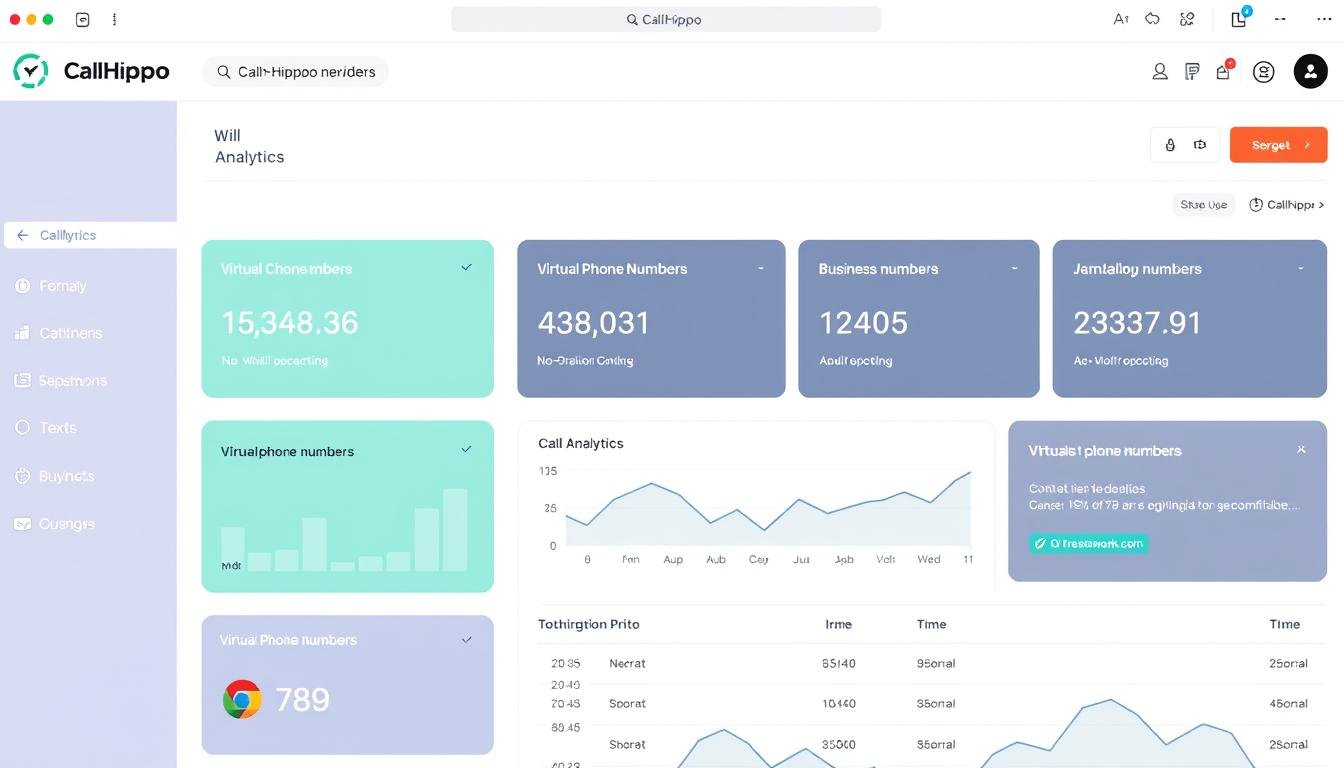
CallHippo’s web interface is designed for simplicity and efficiency. The dashboard provides an immediate overview of call activity, team performance, and key metrics. Navigation is intuitive, with clearly labeled sections for numbers, users, call logs, and settings.
Setting up new numbers, configuring IVR menus, and managing call routing rules can be accomplished without technical expertise. The system’s real-time analytics allow managers to monitor team performance and call volumes at a glance.
Mobile Experience
The CallHippo mobile app is available for both iOS and Android devices, allowing team members to make and receive business calls from anywhere. The app maintains most of the functionality of the web version, including access to contacts, call logs, and basic settings.
A notable feature is the time zone display that shows the current time in the country you’re calling, helping teams avoid contacting clients during inappropriate hours. The app interface is clean and focused on essential functions, though some advanced administrative tasks require the web dashboard.
CallHippo Integrations
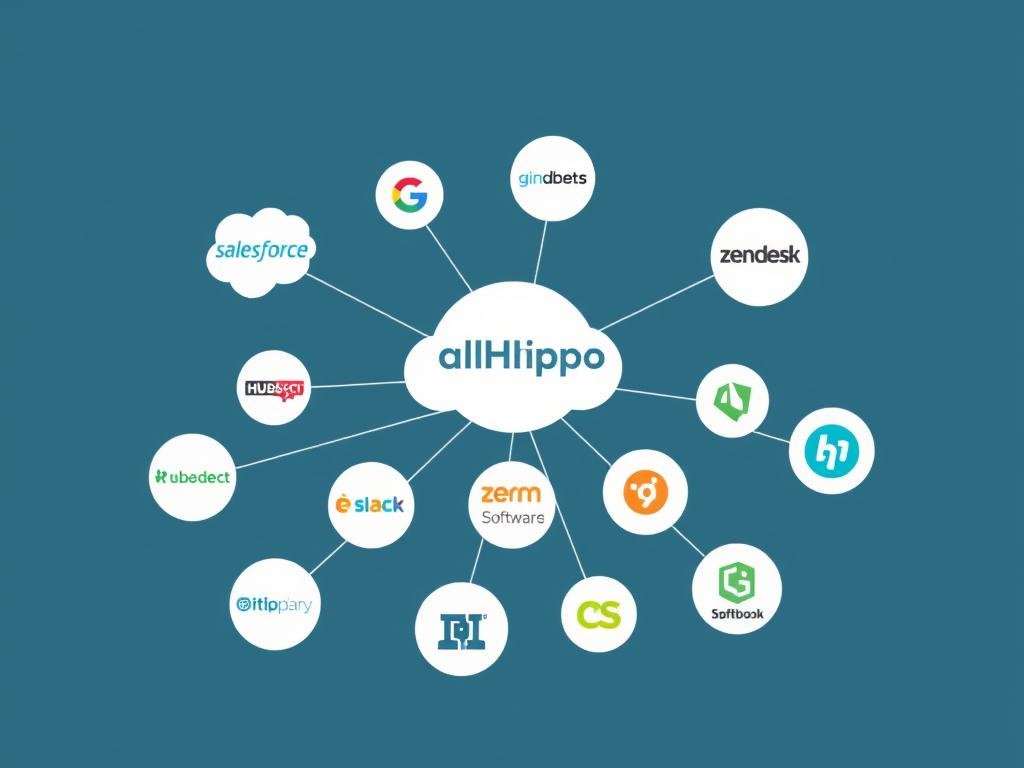
One of CallHippo’s strengths is its extensive integration capabilities with over 100 third-party applications. These integrations help businesses streamline workflows and enhance productivity by connecting their phone system with other essential business tools.
CRM Integrations
- Salesforce
- Zoho CRM
- HubSpot
- Microsoft Dynamics
- SugarCRM
Help Desk Integrations
- Zendesk
- Freshdesk
- Intercom
- Groove
Productivity Tools
- Slack
- Microsoft Teams
- Zapier
- Asana
- Calendly
These integrations enable features like click-to-call from your CRM, automatic call logging, contact synchronization, and the ability to see customer information during calls. For businesses already using these platforms, CallHippo’s integration capabilities can significantly enhance workflow efficiency.
Ideal Use Cases for CallHippo

Sales Teams
Sales departments benefit from CallHippo’s power dialer, call analytics, and CRM integrations. The ability to establish local presence in multiple markets helps sales teams connect with prospects more effectively, while call recording features assist with training and quality assurance.
Customer Support
Support teams can leverage CallHippo’s IVR system, call queuing, and routing features to manage high call volumes efficiently. Integration with help desk software ensures agents have access to customer information during calls, improving resolution times and customer satisfaction.
Remote & Distributed Teams
With its cloud-based architecture and mobile apps, CallHippo is ideal for remote and distributed teams. Team members can make and receive business calls from anywhere while maintaining a unified company presence and professional call handling.
See If CallHippo Is Right For Your Team
Explore how CallHippo can address your specific business communication needs.
CallHippo Reviews: Pros and Cons

Pros
- Quick setup process (3-5 minutes to get started)
- Available in 50+ countries with local number options
- Extensive integration options (100+ third-party apps)
- Free plan available for small teams (up to 2 users)
- User-friendly interface with minimal learning curve
- Flexible pricing with annual discounts
- 24/7 customer support via chat and email
Cons
- Additional costs for outgoing calls and extra numbers
- No desk phone support (softphone and mobile app only)
- “Unlimited” plans subject to fair usage policies
- Limited to 3-way conference calling
- SMS limited to 200 messages per day per user
- Platform only available in English
- Some advanced features restricted to higher-tier plans
CallHippo Alternatives
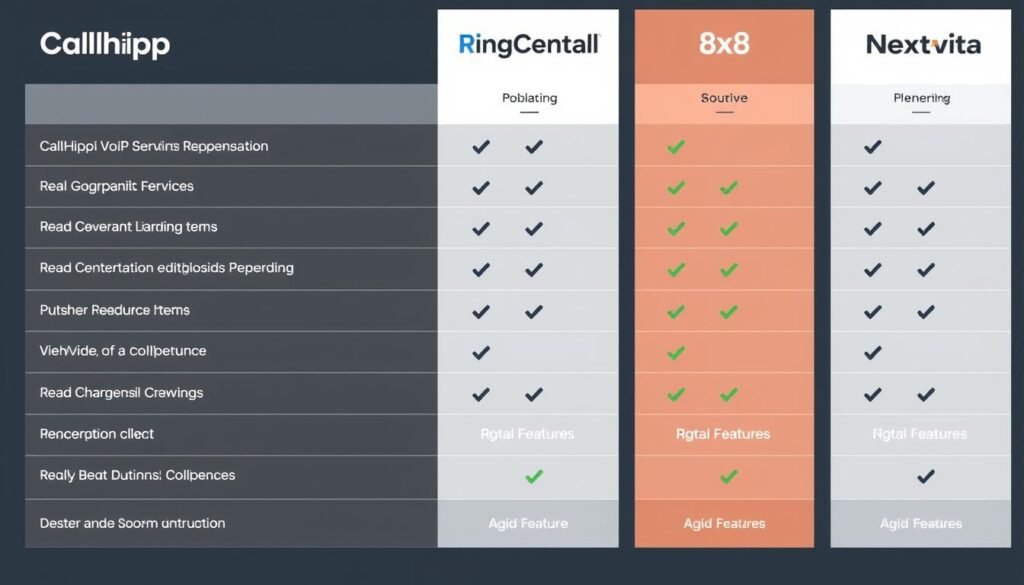
While CallHippo offers a compelling set of features for many businesses, it’s worth considering how it compares to other VoIP providers in the market:
| Provider | Starting Price | Key Differentiators | Best For |
| CallHippo | $0 (Free plan) $16/user/mo (paid) |
Global numbers in 50+ countries, simple setup | Small businesses, international teams, startups |
| RingCentral | $20/user/mo | Robust enterprise features, video conferencing | Medium to large businesses, enterprise solutions |
| 8×8 | $15/user/mo | Unified communications, contact center | Businesses needing integrated voice, video, and chat |
| Nextiva | $18.95/user/mo | Customer experience platform, reliability | Customer-focused businesses, reliability-focused teams |
When comparing CallHippo to alternatives, consider your specific business needs, team size, budget constraints, and international requirements. While CallHippo excels in global accessibility and ease of setup, other providers may offer more robust enterprise features or unified communications capabilities.
Customer Support Quality
CallHippo offers several support channels to assist customers with questions and technical issues:
24/7 Chat Support
Available around the clock, CallHippo’s chat support provides quick responses to basic questions and troubleshooting. Response times are typically under 2 minutes, and agents are knowledgeable about the platform’s features.
Email Support
For more complex issues, email support offers detailed assistance with configuration and technical problems. Response times vary but are generally within 24 hours for standard inquiries.
Premium Support
Platinum plan subscribers receive enhanced support including phone assistance and a dedicated account manager who provides personalized guidance and faster resolution times.
CallHippo also maintains an extensive knowledge base with setup guides, feature explanations, and troubleshooting articles. The self-service resources are well-organized and cover most common questions, allowing users to find solutions quickly without contacting support.
Final Verdict: Is CallHippo Right for Your Business?

CallHippo offers a compelling solution for businesses seeking a flexible, globally-accessible phone system with minimal setup time and technical requirements. Its strengths lie in its international capabilities, user-friendly interface, and extensive integration options.
CallHippo is best suited for:
- Small to medium-sized businesses looking for an affordable, feature-rich phone system
- Companies with international clients or distributed teams across multiple countries
- Businesses that prioritize quick setup and minimal technical maintenance
- Organizations that heavily utilize CRM and help desk integrations
- Startups and growing businesses that need scalable communication solutions
You might want to consider alternatives if:
- Your business requires physical desk phones (CallHippo is softphone-only)
- You need extensive conference calling capabilities beyond 3-way calling
- Your organization requires advanced enterprise features like video conferencing
- You prefer predictable all-inclusive pricing without per-minute charges
Overall, CallHippo delivers a solid cloud phone system that balances functionality, ease of use, and affordability. By offering a free plan and flexible pricing options, it provides an accessible entry point for businesses of all sizes to improve their communication capabilities.
Ready to Enhance Your Business Communications?
Try CallHippo risk-free with their 7-day trial and see if it’s the right fit for your business needs.
Frequently Asked Questions About CallHippo
How long does it take to set up CallHippo?
CallHippo can be set up in as little as 3 minutes. The process involves creating an account, selecting a phone number, adding users, and configuring basic settings. More complex setups with IVR menus and advanced routing may take longer but are still relatively quick compared to traditional phone systems.
Does CallHippo work with physical desk phones?
No, CallHippo does not support physical IP desk phones. The service is designed to work with softphones (web browser and Chrome extension) and mobile applications (iOS and Android). This approach eliminates hardware costs but may be a limitation for businesses that prefer traditional desk phones.
What happens if I exceed the fair usage limits on unlimited plans?
If you exceed CallHippo’s fair usage limits on the Silver or Platinum plans, additional charges may apply. The exact limits aren’t publicly specified, so it’s advisable to discuss your expected call volume with CallHippo’s sales team before subscribing to ensure the plan aligns with your needs.
Can I port my existing business phone number to CallHippo?
Yes, CallHippo supports number porting for many countries. The process typically takes 2-4 weeks depending on your current provider and country regulations. There may be a one-time porting fee, and you’ll need to maintain service with your current provider until the porting process is complete.
How does CallHippo ensure call quality and reliability?
CallHippo uses cloud infrastructure to maintain call quality and uptime. However, call quality ultimately depends on your internet connection. A stable internet connection with at least 100 Kbps bandwidth per concurrent call is recommended. CallHippo also provides tools to test your connection quality before important calls.